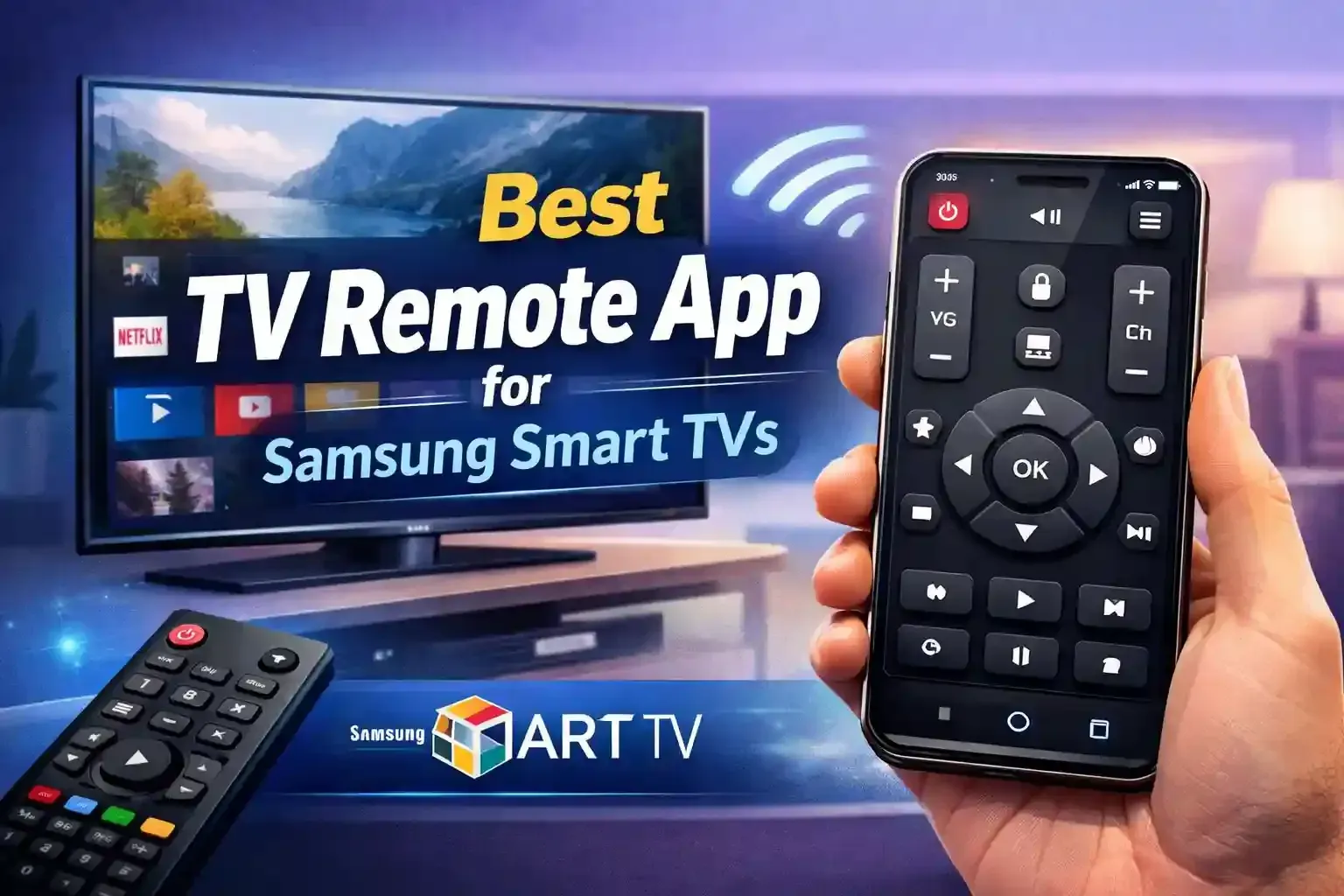
Universal TV Remote Control App is undoubtedly the best available app for Samsung Smart TVs, with a strong user base of over 125 million downloads.
You can judge the standard of a mobile application by its universal compatibility, smooth connectivity, full control over features, and an easy-to-use interface. The smart TV industry is advancing, and traditional remotes feel limited and easily misplaced.
A reliable TV remote application for Samsung Smart TVs here gives you complete control of your television, from changing channels to screen mirroring and voice commands.
In today's guide, we will discuss how the best TV remote control app works with Samsung Smart TVs.
Why You Need a Universal TV Remote Control App for Samsung Smart TVs?
You need a Universal TV remote app for Samsung Smart TVs to make controlling your television easier, faster, and more convenient. Physical remotes can be lost, run out of power, or stop working over time.
Here, the universal TV remote app effectively eliminates these hurdles.
1. Convenience — Control Your TV Anytime
A universal TV remote control app lets you control your Samsung Smart TV directly from your smartphone without needing the physical remote.
- Turn the TV On/Off
- Change Channels
- Adjust Volume
- Browse Menus Easily
2. Perfect Backup When Your Remote Is Lost or Broken
A universal remote app acts as a replacement when your physical remote stops working, gets damaged, or goes missing.
Universal TV Remote Control App is the backup when
- Remote Stops Working
- Remote Gets Broken
- Remote Goes Missing
3. Faster Navigation with Touchpad
The Universal TV Remote Control App provides ease of touch and control. It mimics a laptop to navigate the Samsung Tizen OS menus.
- Use a touchpad to navigate
- Type search queries instantly
- Enter passwords quickly
- Browse apps smoothly
4. Control Multiple TVs from One Device
A universal remote control app can manage multiple Samsung TVs from a single phone.
- Homes with Multiple TVs
- Offices or Conference Rooms
- Hotels or Rental Properties
5. No Need for Extra Hardware
A universal remote app works using Wi-Fi. No additional remotes or accessories are needed.
- Same Wi-Fi Network
- Compatible Samsung Smart TV
- Installed Control App
6. Always Available in Your Pocket
Your smartphone is always with you, making it the most reliable remote control available.
- No Battery Issues
- Always Accessible
- Portable Control Anywhere in the House
- Easy Updates & New Features
How to Connect Universal TV Remote Control App to your Samsung TV?
Setting up your Samsung remote control takes less than a minute.
- Join Wi-Fi: Connect your phone and TV to the same Wi-Fi network.
- Scan for TV: Open the Universal TV Remote Control app. It will automatically find your Samsung TV.
- Accept Link: Tap your TV name. Enter the pairing code, and you are all set to use the app.
The Universal TV Remote app is built for modern home theaters. It works with all Samsung TVs that support Smart and IR. It works for old TVs with Infrared and new Smart TVs with Wi-Fi. It saves your phone's battery while you watch.
What Should You Look for in a TV Remote App for Your Samsung Smart TV
Choosing the right TV remote app for your Samsung Smart TV depends on compatibility, features, and user experience. With many apps available, selecting the right one requires careful consideration.
- Compatibility with your Samsung TV model
- User Ratings and Reviews
- Connection Stability
- Feature Availability
- Ease of Use
- Regular Updates and Support
Final Remarks
Universal TV Remote Control App Samsung is one that combines reliability, advanced features, and ease of use for complete control. While several apps are available, it stands out for its simple setup, full functionality, and smooth performance.
If you want a convenient way to control your Samsung Smart TV without a physical remote, a trusted, feature-rich app like Universal TV Remote Control can significantly improve your viewing experience.