


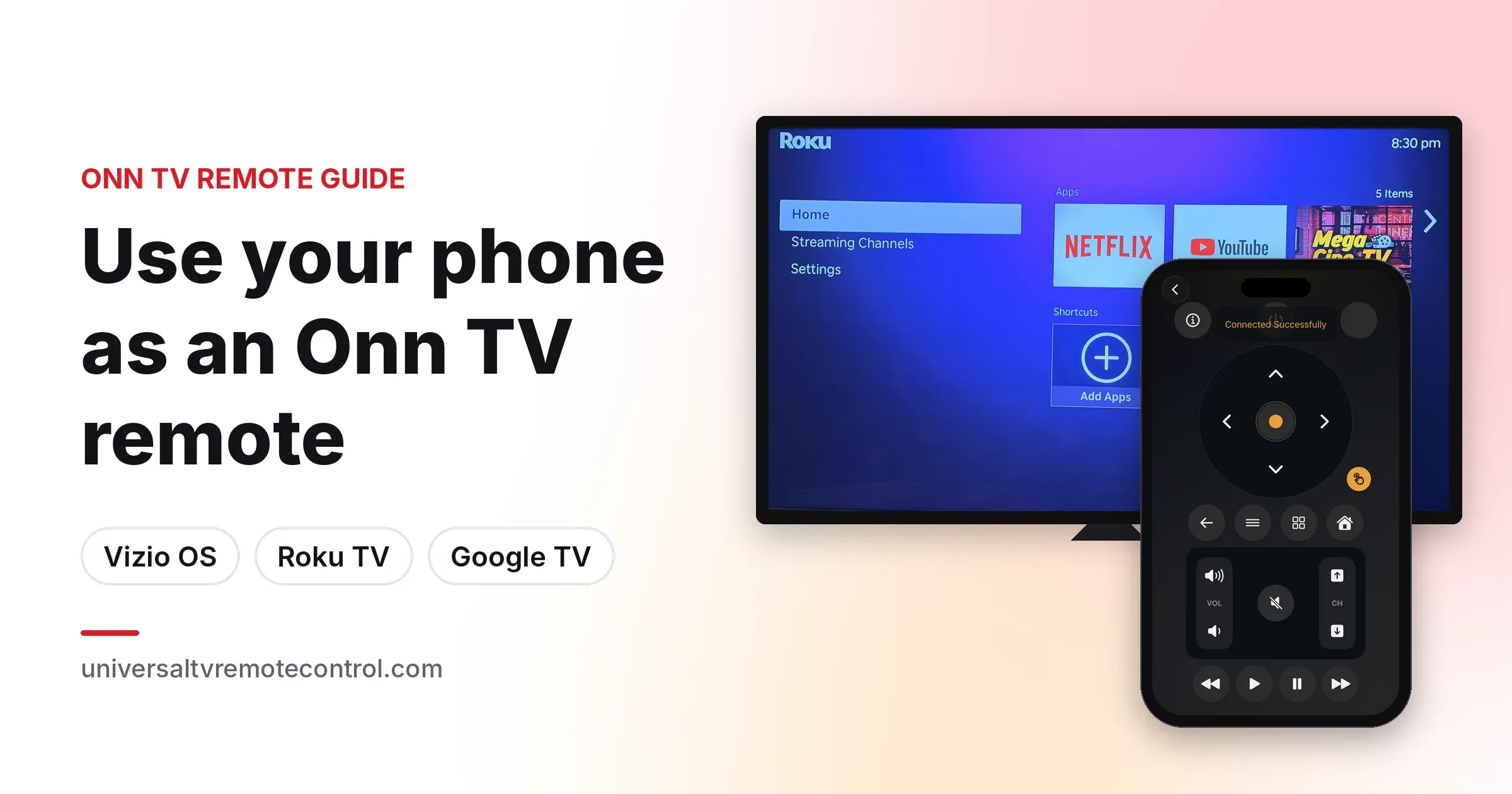
How to Use Your Phone as an Onn TV Remote: Vizio OS, Roku TV and Google TV
Lost your Onn TV remote? Control any Onn Powered by VIZIO, Onn Roku or Onn Google TV from your iPhone or Android phone, plus fixes when it won't connect.
October 6, 2026
 Universal TV Remote
Language
The No.1 Universal TV Remote Control - Smart and IR Remotes App in more than 100 countries.
130M+ Users700+ TV BrandsAndroid & iOS
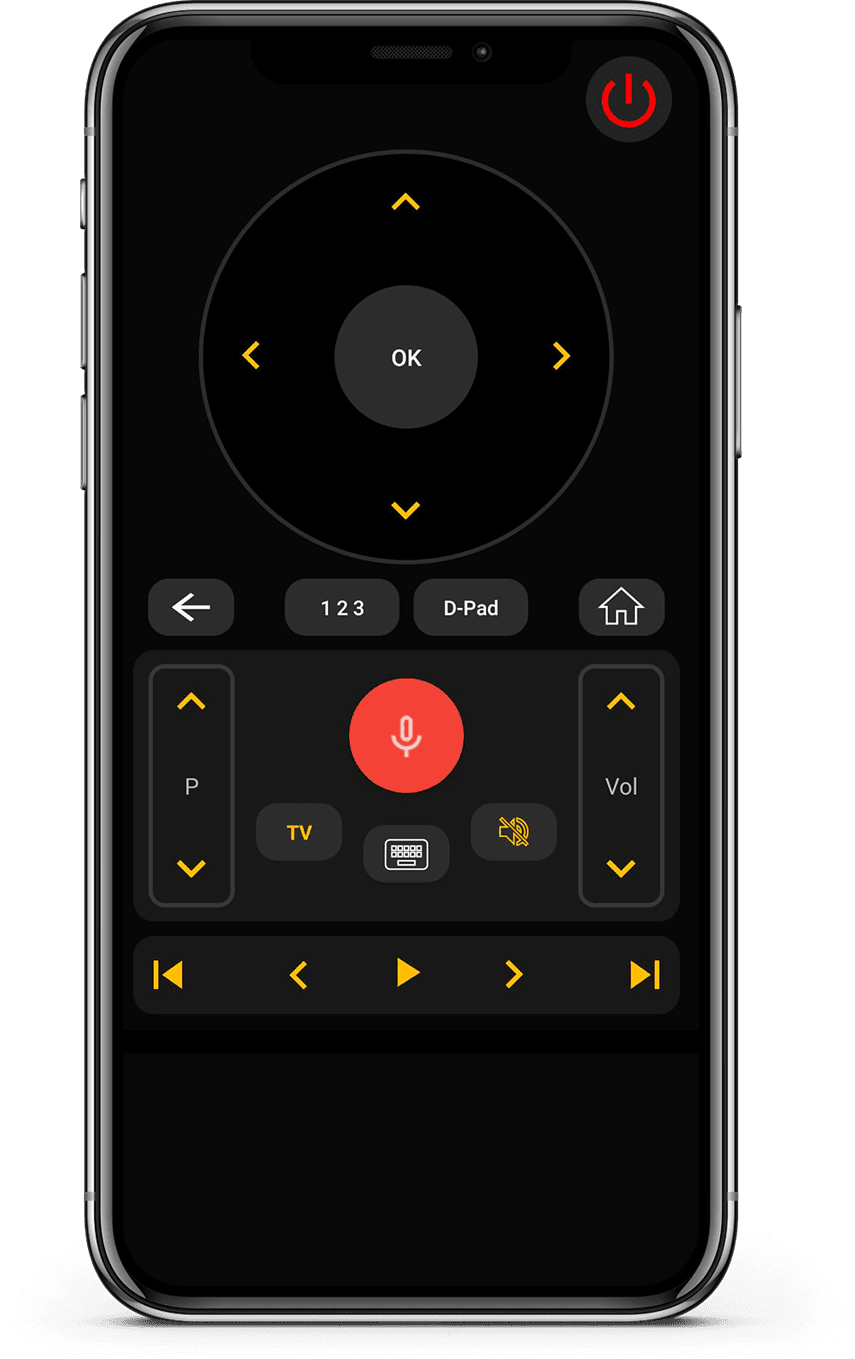

Works with both Smart TVs and IR-enabled televisions for wide compatibility. Connect instantly via WiFi or IR with a simple and quick setup process.

Works with both Smart TVs and IR-enabled televisions for wide compatibility.

Connect instantly via WiFi or IR with a simple and quick setup process.

Control volume, channels, apps, navigation, and media playback effortlessly.

Minimal design that is easy to understand and comfortable to use.


Connect your phone and TV to the same Wi-Fi network.
Open the app, pair your TV, and start controlling instantly.
Change channels, adjust volume, and use smart features easily.


Works with 700+ TV brands including Samsung, LG, Sony, Roku, Fire TV, Android TV, and more.


Tips, setup guides, and troubleshooting to help you get the best experience.
Lost your Onn TV remote? Control any Onn Powered by VIZIO, Onn Roku or Onn Google TV from your iPhone or Android phone, plus fixes when it won't connect.
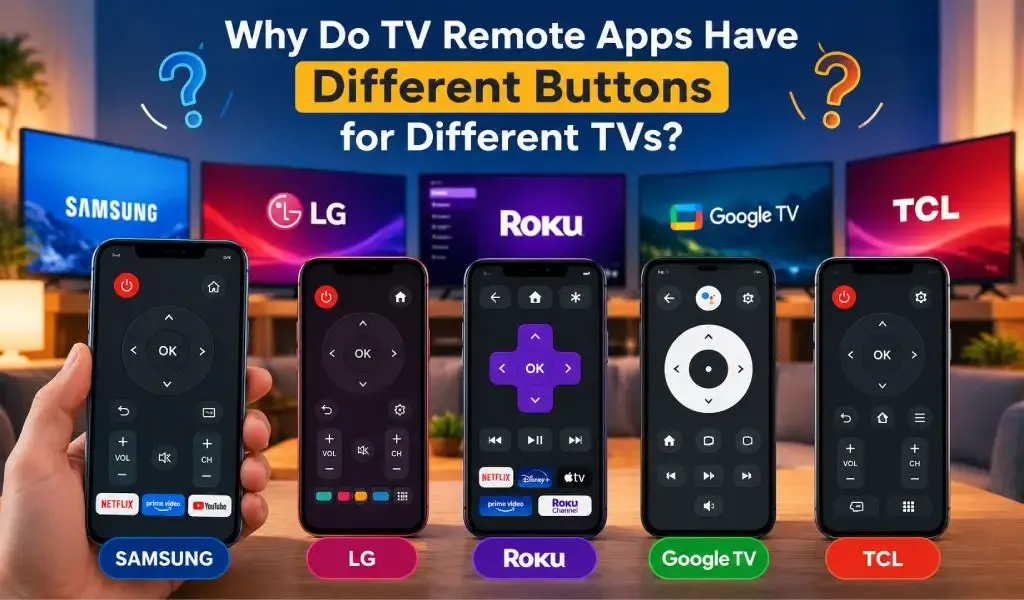
Why do TV remote apps show different buttons for different TVs? Learn how TV brands, models, operating systems and connection methods affect remote controls.
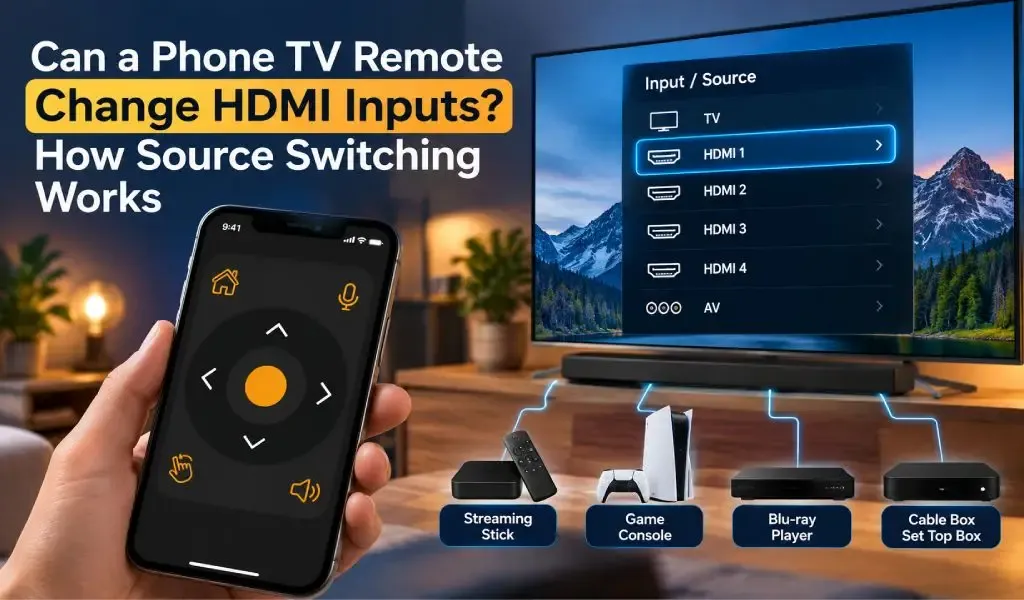
Can a phone TV remote change HDMI inputs? Learn how source switching works, how HDMI CEC affects it, and why input control varies by TV model and app.
Real feedback from people using Universal TV Remote to control Smart TVs and IR devices.
Quick answers about compatibility, setup, and how the app works.
Still have questions? Scroll down to download the app and try it on your TV.
For quick support or valuable suggestions, use the contact form below. Our team will get back to you as soon as possible.
Address
Office # 14, 2nd Floor, KPK IT Park,
Abbottabad, Pakistan
Install the download from Apple and Play Store.

