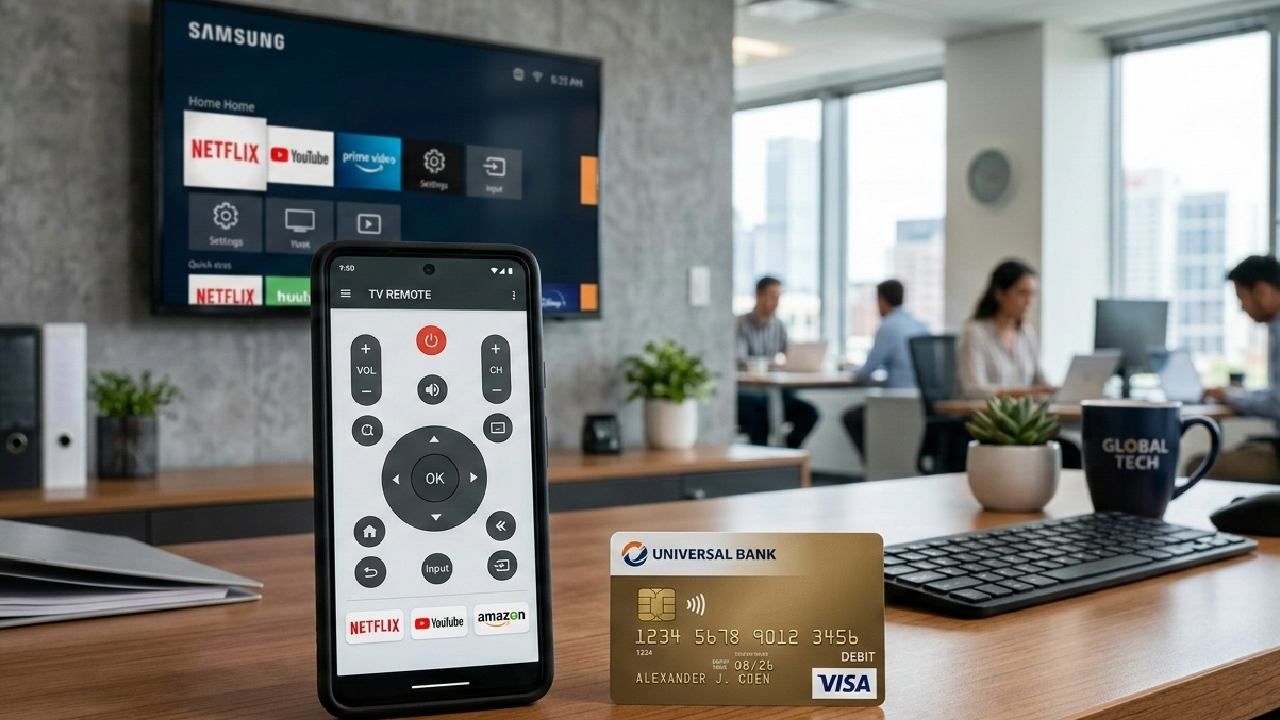
Unnecessary debit or credit card payments usually happen when users share their card details without verifying the source, misunderstand subscription terms, or ignore automatic renewal settings.
In today’s digital environment, protecting your financial information is not optional; it is essential.
Whether you are downloading a mobile app, subscribing to a service, or making an in-app purchase, understanding how payments work can help you avoid accidental charges and potential fraud.
This guide explains how to protect your card details, prevent unwanted payments, and safely use apps like Universal TV Remote Control.
Why Unnecessary Payments Happen?
Unnecessary payments often result from unclear subscription models, hidden renewal policies, or unsafe sharing of card information. Many users do not carefully read payment prompts before confirming transactions.
Here are some common causes:
- Accidental subscription activation
- Ignoring auto-renewal notifications
- Sharing card details on unverified websites
- Falling for fake payment popups
- Not reviewing billing statements regularly
Understanding these risks is the first step toward prevention.
Our Commitment: Universal TV Remote Control Do Not Ask for Card Details Without Consent
At Universal TV Remote Control, user security and transparency are our priorities.
We never ask for your debit or credit card information unless you intentionally choose to purchase the ad-free subscription through the official Google Play billing system. If you are using the app in its free version, we do not require any card information.
All payments for the ad-free upgrade are processed securely through the Google Play Store’s official payment gateway. We do not store, collect, or process your card information directly.
This ensures:
- Secure transaction handling
- Transparent subscription terms
- No hidden charges
- Full control over subscription cancellation
Read Also: Why Your TV Remote App Is Not Working ? (Fix All Problems)
Steps to Keep Your Payments Safe
Protecting your card details requires awareness and simple preventive actions. Follow these practical steps:
1. Download Apps Only from Official Stores
Always download apps from trusted platforms such as the Google Play Store. Avoid third-party websites offering modified versions.
2. Check App Permissions Carefully
Review permissions before installing any app. An app that does not require payment should not ask for financial details.
3. Use Secure Payment Methods
When purchasing subscriptions, use secure in-app billing systems like Google Play Billing rather than entering card details on external pages.
4. Monitor Your Bank Statements
Regularly review your transaction history to identify any unauthorized charges quickly.
5. Disable Auto-Renewal if Not Needed
If you subscribe to any service, check your Google Play subscription settings and disable auto-renewal if you do not plan to continue.
6. Avoid Sharing OTP or Card Information
Never share One-Time Passwords (OTPs), CVV numbers, or full card details with anyone claiming to represent an app or service.
Using the App Without Any Payment
The free version of Universal TV Remote Control allows users to control their TVs using smart connectivity features without incurring any fees. Users can access core remote functions, easy device pairing, and a smooth interface supported by advertisements.
In this scenario:
- No card details are requested
- No subscription is required
- Users can uninstall the app anytime
The app remains fully functional with ads supporting the platform’s development.
Benefits of the Ad-Free Subscription
For users who prefer a distraction-free experience, the optional ad-free subscription offers enhanced usability.
With the ad-free version:
- All advertisements are removed
- The interface becomes cleaner and faster
- User experience improves during long sessions
- No interruptions while switching channels or adjusting volume
The upgrade is completely optional, and payment occurs only through Google Play’s secure payment system after the user confirms the purchase.
Transparency and User Trust
Trust is built through clarity. We clearly mention subscription pricing, billing frequency, and cancellation terms before any payment is processed. Users remain in full control of their subscriptions via their Google Play account settings.
We strongly encourage users to:
- Read subscription details before confirming
- Avoid sharing payment information outside official channels
- Contact support if any billing concern arises
- Your financial safety is more important than any subscription.
Frequently Asked Questions (FAQs)
Q1: Does the Universal TV Remote Control app require debit or credit card information to use?
A: No, the free version does not require any card details. Payment is only needed if you voluntarily choose the ad-free subscription.
Q2: How are payments processed for the ad-free subscription?
A: All payments are securely processed through Google Play’s official billing system, not directly by the app.
Q3: Can I cancel the ad-free subscription anytime?
A: Yes, you can cancel your subscription anytime through your Google Play account settings.
Q4: What should I do if I notice an unexpected charge?
A: Immediately review your Google Play subscription list and contact Google Play support or your bank if necessary.
Q5: Is my card information stored by the app developers?
A: No, we do not store or access your debit or credit card information at any time.