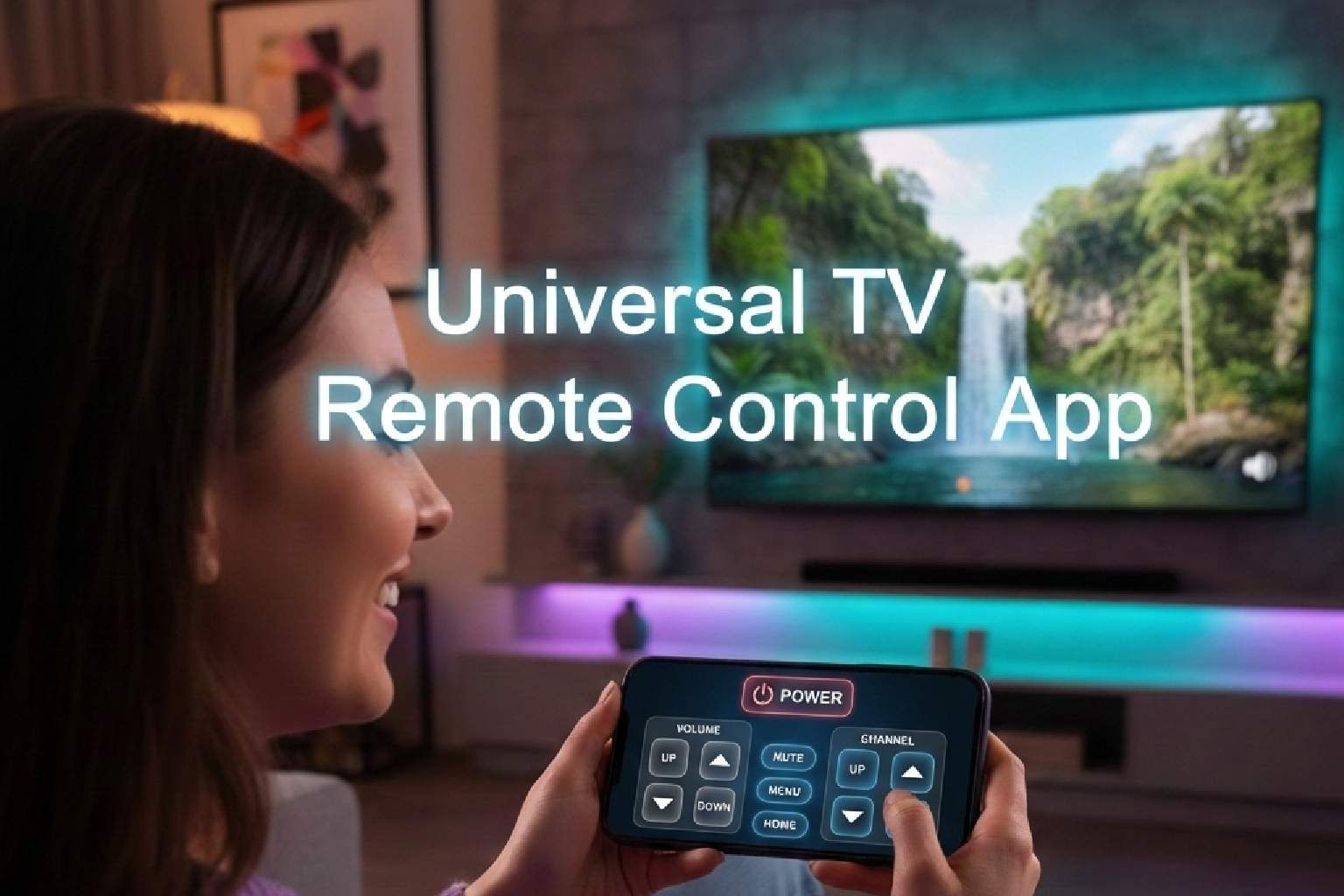
A TV remote mobile application is ultimately best when it lets you control the TV directly from your phone. But control with easy setup, full control features, and broad compatibility both on the Smart TVs and IR (infrared) TVs.
Today, physical TV remotes are being replaced by smartphones. The reason is ease of use: no worries about missed remotes, no battery issues, and no mechanical problems.
You can easily control channels, volume, and media playback from your smartphone. Keeping the above requirements and features in mind, the Universal TV Remote Control stands out as one of the best free TV remote mobile apps.
Why Universal TV Remote Control App?
Universal TV Remote Control is a trusted, powerful solution for your TVs, backed by reliability, global trust, and continuous innovation.
Trusted by 125+ Million Users Worldwide
- Universal TV Remote Control is trusted by over 125 million users, proving its reliability and performance. This massive user base shows that the app consistently delivers smooth remote control functionality across different TV brands.
Users from 100+ Countries
- Universal TV Remote Control is used in more than 100 countries, making it a truly global remote solution. Whether you are at home, traveling, or using different TV brands internationally, the app ensures consistent performance.
High Google Play Store Rating (4.4 Rating)
- Universal TV Remote Control maintains a strong rating on the Google Play Store, reflecting positive user satisfaction. A high rating indicates that users appreciate its simple setup, smooth performance, and reliable TV connectivity.
24/7 Fast Customer Support
- Universal TV Remote Control offers responsive 24/7 customer support to assist users whenever needed. If you face connection issues or need assistance, the support team is available to resolve problems quickly.
Continuous Updates & Improvements
- Universal TV Remote Control is regularly updated to improve performance, fix issues, and add new features. The development team continuously enhances the app based on user feedback and technological improvements.
Simple, Reliable, and Feature-Rich Experience
- Universal TV Remote Control provides a simple yet powerful experience for controlling your TV from your phone. The app supports both Smart TVs and IR-enabled TVs, provides smooth connection, and full control over volume, channels, and navigation.
Features of the Universal TV Remote Control App
The Universal TV Remote Control app offers complete TV control, fast connectivity, and broad brand compatibility. The application is designed to replace your physical remote completely while offering extra convenience and smart features.
Wide TV Models Compatibility
- The app supports over 700 TV brands, including Samsung, LG, Sony, TCL, and more. It makes the app a universal solution for most households.
Smart TV and IR Support
- It works with smart TVs through WiFi and also supports non-smart TVs using your phone’s IR blaster. This ensures you can control both modern and traditional TVs.
Complete Remote Controls
- Users can easily control power, volume, channels, navigation, input selection, and media playback. The app also includes a D-Pad for easy navigation and better usability.
Fast and Easy Setup
- The connection process is quick and simple, automatically detecting compatible TVs on the same network and allowing instant control.
Voice Control Feature
- Universal TV Remote Control offers voice control, allowing you to operate your TV using simple voice commands. Change channels, adjust volume, and search content without pressing buttons.
Conclusion
The best free TV remote app makes controlling your television simple, fast, and convenient without needing a physical remote. If you want an easy-to-use solution that supports multiple TV brands, quick connection, and full remote functionality, Universal TV Remote Control is a practical option. It combines smart features, universal compatibility, and effortless control to enhance your TV viewing experience.
FAQs
1. Is Universal TV Remote Control free to use?
A: Yes, Universal TV Remote Control is free to download and use with essential remote features. It allows you to control your TV’s power, volume, channels, and navigation without paying, while some advanced features may vary depending on your device and TV compatibility.
2. Can I use the Universal TV Remote Control with any TV brand?
A: Yes, the Universal TV Remote Control supports a wide range of TV brands, including Samsung, LG, Sony, TCL, and more. It works with smart TVs over Wi-Fi and supports IR-enabled TVs when your smartphone has an infrared sensor.
3. Does my phone need WiFi to use the app?
A: Yes, WiFi is required when controlling smart TVs, and both your phone and TV must be connected to the same network. However, if your phone has a built-in IR blaster, you can control non-smart TVs without WiFi.
4. Is the app safe to download and install?
A: Yes, the app is safe to download from the Google Play Store and is trusted by millions of users worldwide. It adheres to standard app security guidelines and receives regular updates to enhance performance and reliability.
5. What should I do if the app does not connect to my TV?
A: First, ensure your phone and TV are connected to the same Wi-Fi network, or confirm your phone supports IR if using infrared control. If the issue continues, you can contact the app’s 24/7 customer support team for quick assistance.